Two tools for every workflow.
A CLI for automation and scripting. A desktop app for visual crawling and analysis. Choose the interface that fits your workflow.
CLI Tool
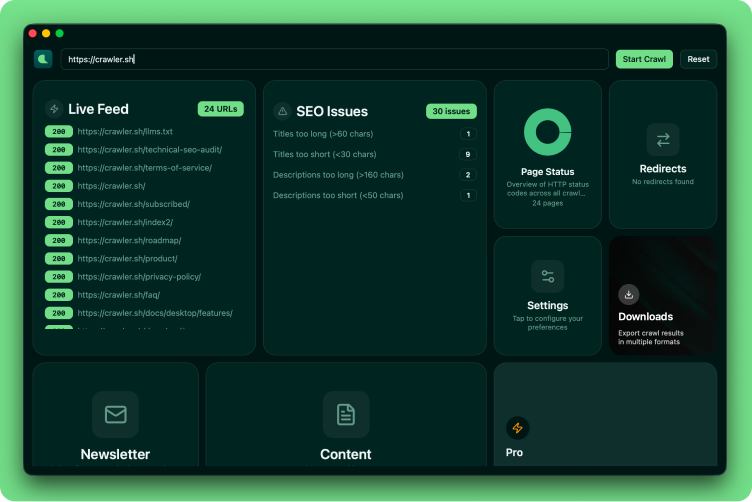
4 subcommands for every workflow
crawl websites, inspect .crawl files with info, export to JSON or Sitemap XML, and run seo analysis with CSV/TXT export. All from the terminal.
Desktop App
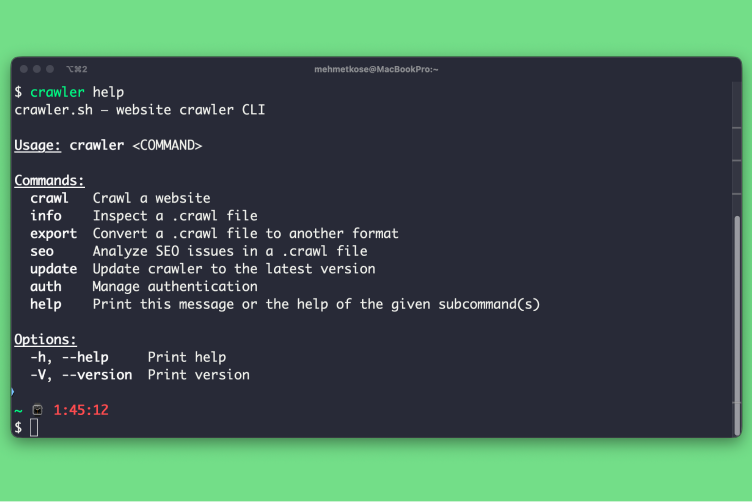
8 dashboard cards for visual crawling
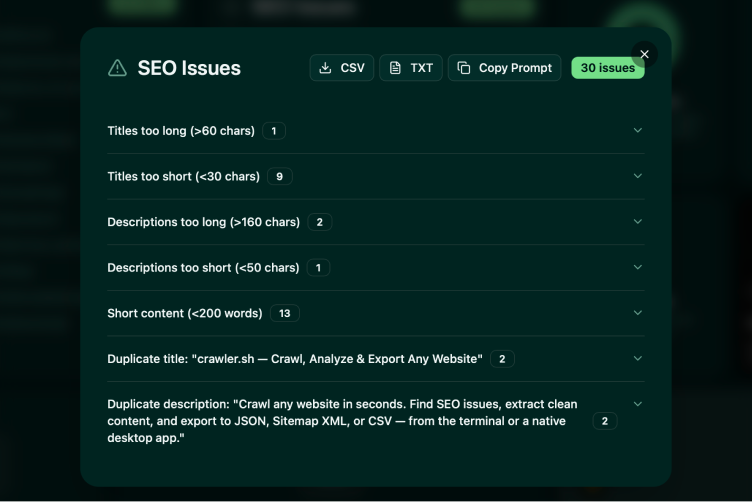
Live Feed, SEO Issues, Page Status, Settings, Downloads, Content viewer, Newsletter, and Premium — all in a responsive card grid with interactive overlays.
Content Extraction
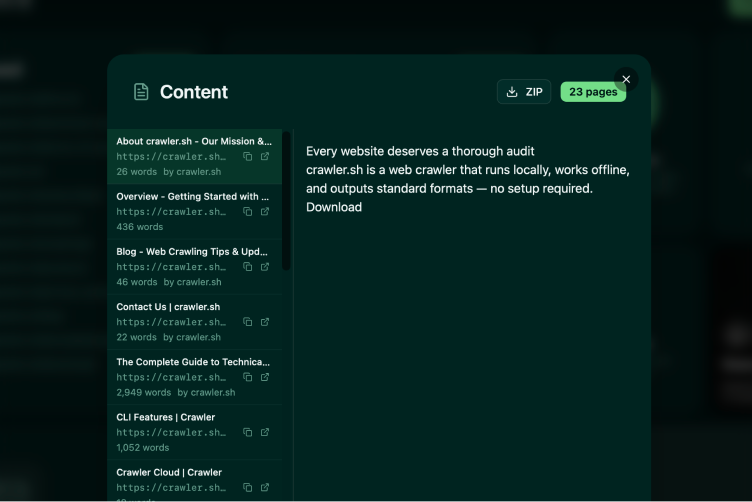
Readable content as clean Markdown
Automatically extracts the main article content from any page and converts it to clean Markdown. Includes word count, author byline, and excerpt for every page.
SEO Analysis
16 checks across all crawled pages
Detects missing titles, duplicate descriptions, noindex directives, thin content, long URLs, non-self canonicals, and more. Export as CSV or TXT.
Workflow Examples
From quick crawl to full pipeline
Loading...